

Creating a professional logo has never been easier. Thanks to advances in AI and online design tools, businesses can now easily generate high-quality logos and branding assets in minutes without having to hire a designer or learn complex software.
Today’s leading logo makers go beyond simple logo creation. Many now offer complete branding solutions, including social media graphics, business cards, marketing materials, and website-building tools that help businesses establish a consistent visual identity from day one.
To help you choose the right platform, we’ve compared the top logo maker software of 2026 based on design quality, ease of use, customization options, branding features, and overall value.
Key Reasons to Use Logo Maker Software in 2026
- Faster Branding
Modern logo makers can generate multiple logo concepts in seconds.
- Cost-Effective Design
They offer an affordable alternative for startups, entrepreneurs, and small businesses.
- No Design Experience Required
Most platforms are designed for beginners.
- Consistent Brand Assets
Many logo makers now provide other branded assets along with the logo.
- AI-Powered Customization
These tools also use AI to help generate logos tailored to different industries and styles.
- Professional File Formats
Leading platforms also provide high-resolution PNG, SVG, PDF, and vector files.
Feature Comparison Overview
|
Tool |
Speed |
AI Features |
Branding Tools |
Customization |
Starting Price |
Best For |
|
Design.com |
Instant |
Excellent |
Extensive |
High |
Free logos available |
Complete business branding |
|
BrandCrowd |
Fast |
Very Good |
Strong |
High |
Free logos available |
Fast customization and branding |
|
DesignEvo |
Moderate |
Basic |
Limited |
Medium |
Free plan available |
Simple, budget-friendly logos |
What Our Research Was Focused On
To identify the best logo maker software of 2026, we evaluated each platform using the criteria most important to business owners and entrepreneurs.
- Logo Quality
We examined how professional, modern, and commercially usable the generated logos appeared across industries.
- Ease of Use
We assessed how quickly new users could create and customize logos.
- Customization Options
We compared the available editing tools, including fonts, colors, layouts, icons, and overall design flexibility.
- Branding Features
Beyond logo creation, we reviewed the availability of additional branding tools.
- Export Options
We also looked at the file formats available for download, including PNG, SVG, PDF, and others.
- Value for Money
Pricing, free plan availability, and feature sets were considered to determine which platforms provide the best overall value.
Design.com
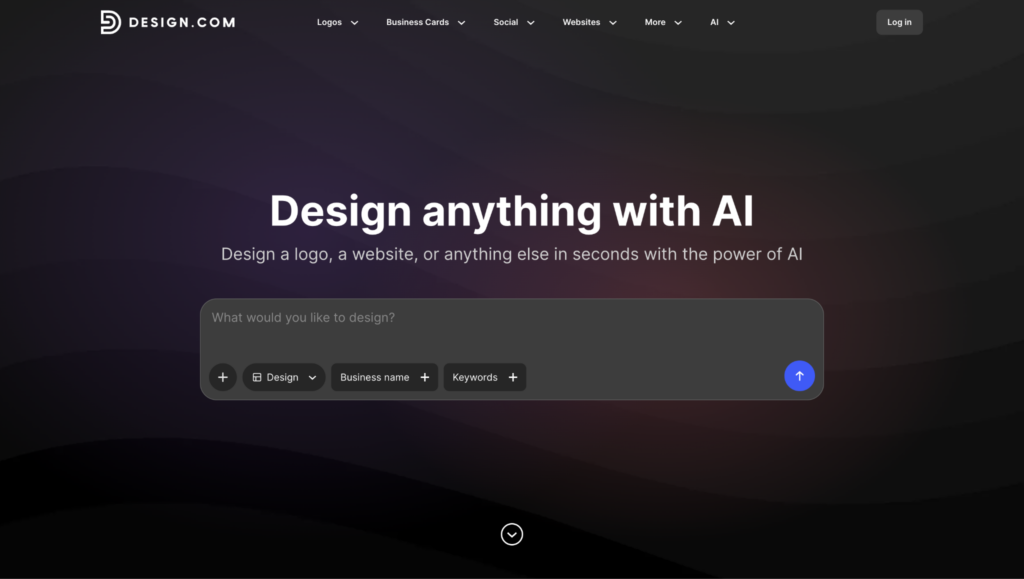
Before moving on, let’s take a look at this quick evaluation chart for Design.com.
|
Category |
Rating |
Notes |
|
Logo Quality |
10/10 |
Professional, modern logos across a wide range of industries |
|
Speed |
10/10 |
Logo concepts generated within seconds |
|
Ease of Use |
9.8/10 |
Beginner-friendly interface with minimal learning curve |
|
Customization |
9.7/10 |
Strong editing tools for fonts, colors, icons, and layouts |
|
Template Variety |
10/10 |
Access to 500K+ logo templates and design variations |
|
AI Features |
9.8/10 |
AI-powered logo generation and editing tools |
|
File Formats |
10/10 |
SVG, EPS, PDF, PNG, JPG, GIF, MP4, and more |
|
User Feedback |
4.7/5 |
Strong Trustpilot rating with thousands of customer reviews |
|
Overall Score |
10/10 |
Best overall balance of quality, speed, and flexibility |
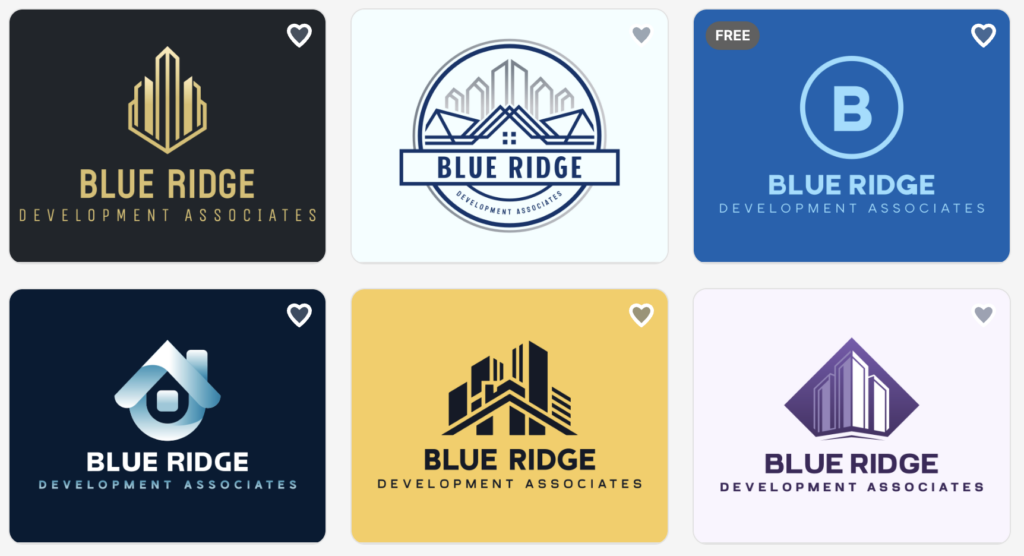
If you’re looking for the easiest way to create a professional logo, Design.com is our top pick.
The platform combines AI-powered logo generation with a large library of logo styles, making it easy to create designs that look polished and business-ready. Simply enter your business name, choose your industry, and the software generates multiple logo concepts within seconds.
What impressed us most was the balance between automation and customization. The AI provides strong starting points, while the editor makes it easy to adjust colors, fonts, icons, and layouts until everything feels right.
What We Liked
- Ready-to-use professional designs
- Automatic consistency across different marketing materials
- 50+ branding and design tools
- Fast AI-powered logo generation
- Large variety of logo styles (500K+ logo templates)
- Easy customization tools
- Beginner-friendly interface
- High-resolution and vector file options
- Professional-looking results across industries
- Logo prints on business cards and more, with free delivery
- 100% commercially safe
Cons
- No dedicated app available yet, but the browser version is fast and responsive
Our Review
Design.com consistently produced some of the strongest logo concepts we tested. The designs felt modern, balanced, and relevant to the business type entered. It also offered one of the smoothest creation processes, making it easy to go from idea to finished logo in just a few minutes.
While the platform includes additional branding tools, its biggest strength remains logo creation. The combination of quality, speed, and ease of use makes it the best overall logo maker of 2026.
Best For: Entrepreneurs, startups, and small businesses looking for professional logos with minimal effort.
BrandCrowd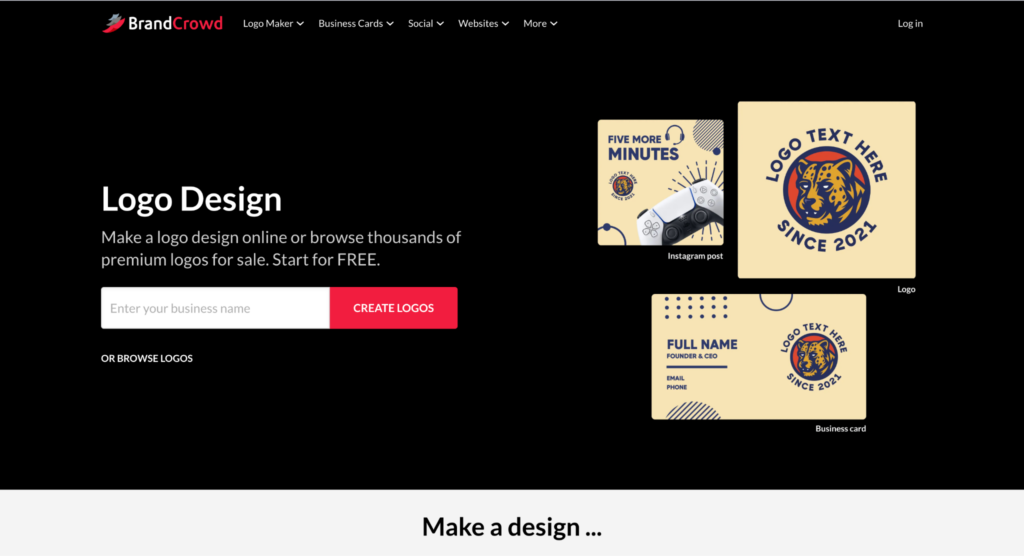
2. BrandCrowd
BrandCrowd is a strong option for users who want a polished logo quickly without starting from scratch. The platform is built around a large library of professionally designed templates that users can customize directly in the browser.
|
Category |
Rating |
Notes |
|
Logo Quality |
9.2/10 |
Professional-looking templates across many industries |
|
Speed |
9.5/10 |
Ready-made logos make the creation process extremely fast |
|
Ease of Use |
9.7/10 |
Simple editing tools suitable for beginners |
|
Customization |
9.3/10 |
Strong flexibility for fonts, colors, icons, and layouts |
|
Template Variety |
9.5/10 |
Large library of 380K+ logo templates |
|
AI Features |
8.8/10 |
AI assistance available, but template-driven overall |
|
File Formats |
9.5/10 |
Supports PNG, SVG, PDF, and other download options |
|
User Feedback |
4.7/5 |
Strong customer ratings and positive feedback |
|
Overall Score |
9.3/10 |
Excellent option for fast customization and template-based logo creation |
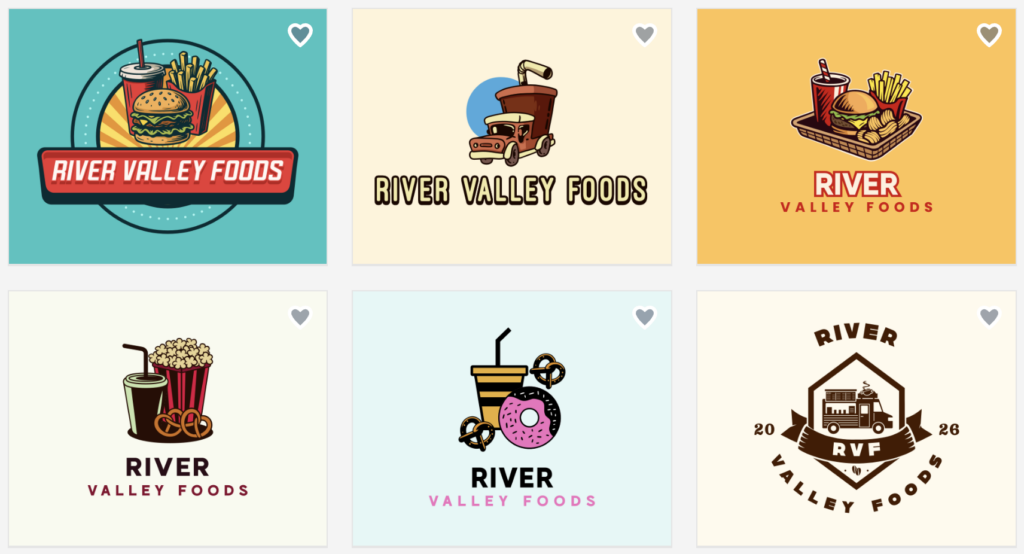
BrandCrowd offers access to 380K+ logo templates and more than 1 million design assets. Users can search by business name or keyword, then customize fonts, icons, layouts, and colors using simple editing tools.
This makes it a great choice for users who want more control over the final design while still avoiding the complexity of traditional design software.
Best for: Small businesses and creators who want fast logo customization from ready-made templates.
What We Liked
- Over 1 million ready-made design templates
- Fast and beginner-friendly workflow
- Easy customization tools
- Includes social media and marketing assets
- Supports vector and transparent file downloads
- 100% copyright protection
- PNG, JPG, PDF, MP4, and more downloadable files available
Cons
- Limited advanced integrations for technical or developer-focused workflows
Our Review
BrandCrowd offers an excellent balance between speed and creative control. The template library provides plenty of high-quality starting points, and the editing tools make it easy to personalize a design.
For users who enjoy having more input in the design process, BrandCrowd is one of the strongest options available.
Best For: Business owners who want more control over their logo design.
DesignEvo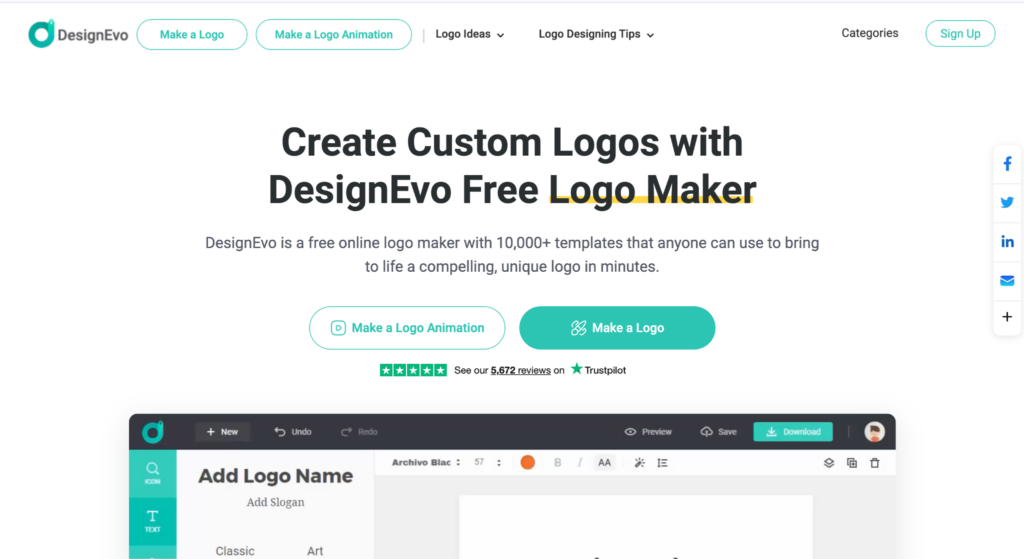
3. DesignEvo
DesignEvo is a simple logo maker that works well for beginners and small projects. It focuses on templates and easy editing rather than advanced AI features.
The platform offers thousands of logo templates and allows users to customize fonts, colors, layouts, and icons. The editor is simple, which makes it easy for anyone to create a logo.
While it does not offer the same full branding ecosystem as Design.com, it’s still a good choice for users who want a simple logo maker.
|
Category |
Rating |
Notes |
|
Logo Quality |
8.5/10 |
Clean and professional designs, though less distinctive |
|
Speed |
9.0/10 |
Fast logo creation with minimal setup required |
|
Ease of Use |
9.5/10 |
One of the easiest editors for beginners |
|
Customization |
8.3/10 |
Basic editing tools compared to higher-ranked competitors |
|
Template Variety |
8.8/10 |
Large template collection covering many industries |
|
AI Features |
7.5/10 |
Limited AI functionality compared to newer platforms |
|
File Formats |
8.5/10 |
Standard export options available through paid plans |
|
User Feedback |
4.5/5 |
Generally positive reviews from small business users |
|
Overall Score |
8.7/10 |
Affordable and beginner-friendly option for straightforward logo creation |
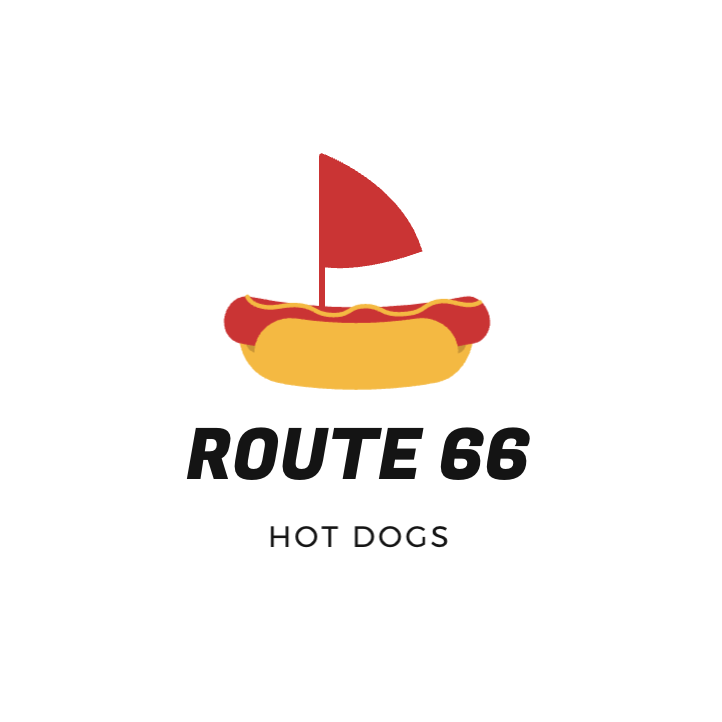
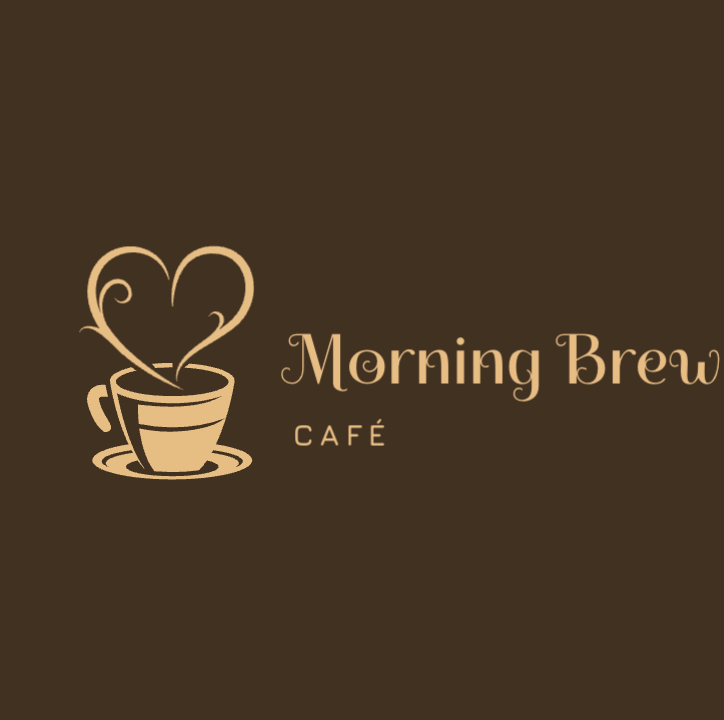
Here are some logo examples we generated:
What We Liked
- Easy to use
- Affordable pricing
- Large template library
- Good for quick projects
Cons
- Limited AI features
- Designs can feel less unique
- Fewer branding tools
- Advanced downloads require paid plans
Our Review
DesignEvo focuses on simplicity, and that’s exactly what makes it appealing. It may not have the advanced features of Design.com or the customization depth of BrandCrowd, but it’s very easy to use.
For small businesses and individuals who simply need a professional logo without extra complexity, DesignEvo remains a strong choice.
Best For: Freelancers, side projects, and budget-conscious businesses.
So, Which Logo Maker Should You Choose?
The answer depends on what you’re looking for.
If you want the best overall logo maker with strong AI generation and professional results, Design.com is the clear winner.
If you prefer starting with professionally designed templates and want more control over the final look, BrandCrowd is an excellent choice.
If you’re looking for a simple and affordable logo maker that gets the job done, DesignEvo offers great value.
Frequently Asked Questions
- Do I own my logo after downloading it?
Most paid plans include commercial usage rights, but it’s always worth checking the licensing terms of the platform you choose.
- Can I create a logo without design experience?
Yes. All three logo makers are designed for beginners and can be used without any prior design knowledge.
- How long does it take to create a logo?
Most users can create a logo in less than 15 minutes. The initial concepts are usually generated within seconds.
- Are AI-generated logos good enough for a business?
Yes. Modern AI-powered logo makers can create professional-quality logos suitable for startups, small businesses, online stores, and personal brands.
- What file formats should I look for?
PNG and SVG are the most important formats. SVG files are especially useful because they can be resized without losing quality.
Conclusion
Logo maker software in 2026 is faster, easier, and more powerful than ever before. All three tools in this guide can help you create a professional-looking logo, but they each focus on different needs.
DesignEvo is best for simple, low-cost projects. BrandCrowd is strong for fast logo customization.
But overall, Design.com offers the best balance of logo quality, branding tools, customization, and ease of use, making it the top logo maker software of 2026.